
Lesson 6 · 42 s
How to sell with BPRO POS
Cart, payment, receipt, stock updated.
Open the register in the morning, scan and sell all day, close it at night. BPRO tells you how much cash should be in the drawer.
Setup · Configuration · Training · Support in Kreyòl and French
Each day starts with opening the register. The cashier counts the starting cash in the drawer and types it in. From then on, every sale is recorded with its payment method: cash, card, MonCash, NatCash, cheque or transfer.
At closing time, BPRO shows the cash expected in the drawer: the starting cash plus the cash sales of the day. The cashier counts the drawer, types the total, and closes the register. If money is missing, the gap shows up in the register report, by cashier.
Start with the essentials and add more as your business grows.
Put the cursor in the search box and scan. The product goes into the cart. Scan the same product again and the quantity goes up on the same line.
If a scanned code isn't in your stock, an administrator can add the product with the code already filled in, or link the code to a product you already have.
On the POS Fixe and the Tablet 11", the drawer plugs into the terminal. Most drawers open when the receipt prints.
Print the receipt, send it on WhatsApp, or do both, depending on your setting after each sale.
Starting cash in the morning, expected cash at night, and the counted cash with a closing note.
The register report shows each opening and closing, with expected, counted and any gap.
Some modules and features depend on your plan, your equipment and how your business is set up.
Every plan includes setup, training and technical support.
For small businesses that need the essentials.
For growing businesses with several locations.
For companies that need a complete system.
For schools, colleges, universities and training centers.
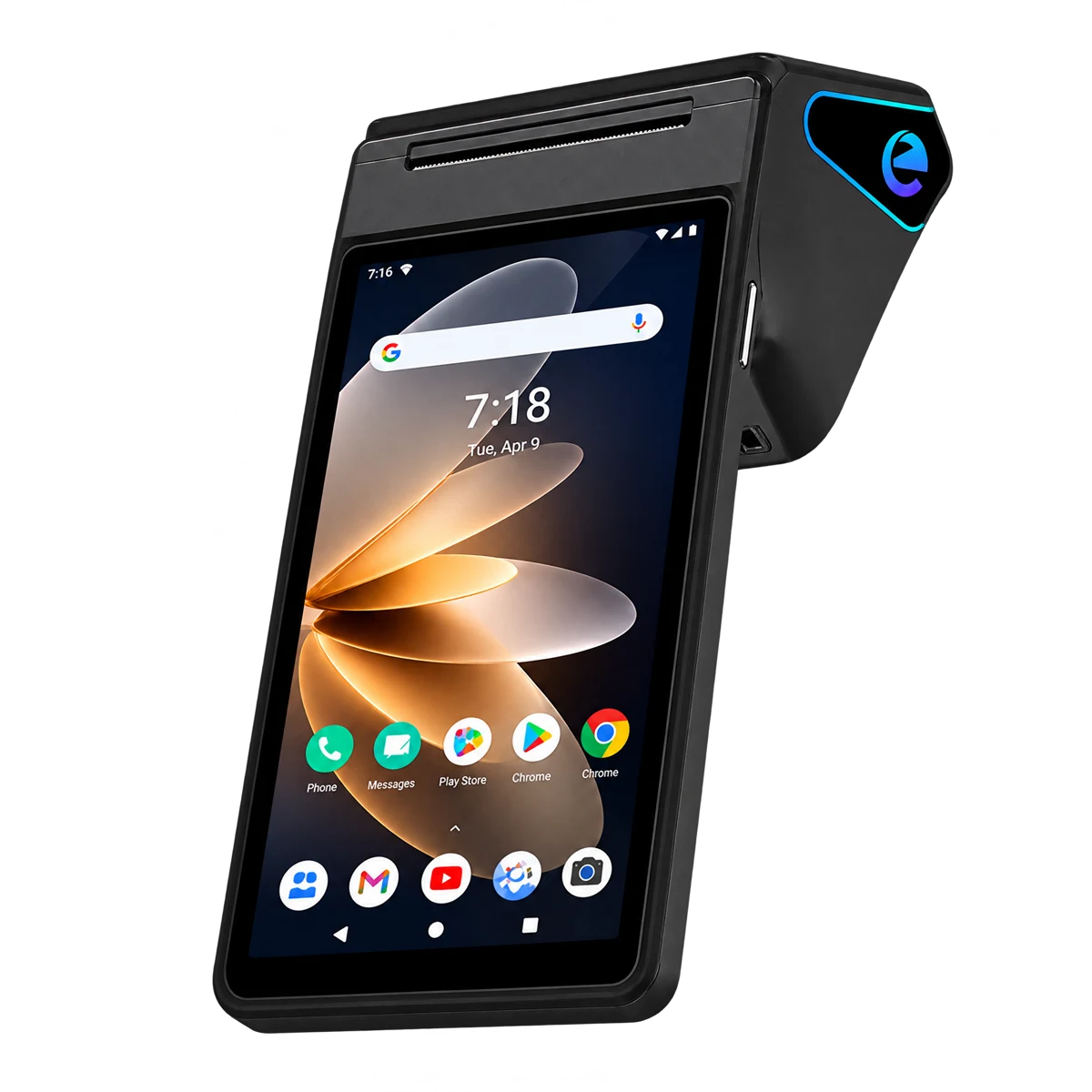 Mobile 7$250 USD
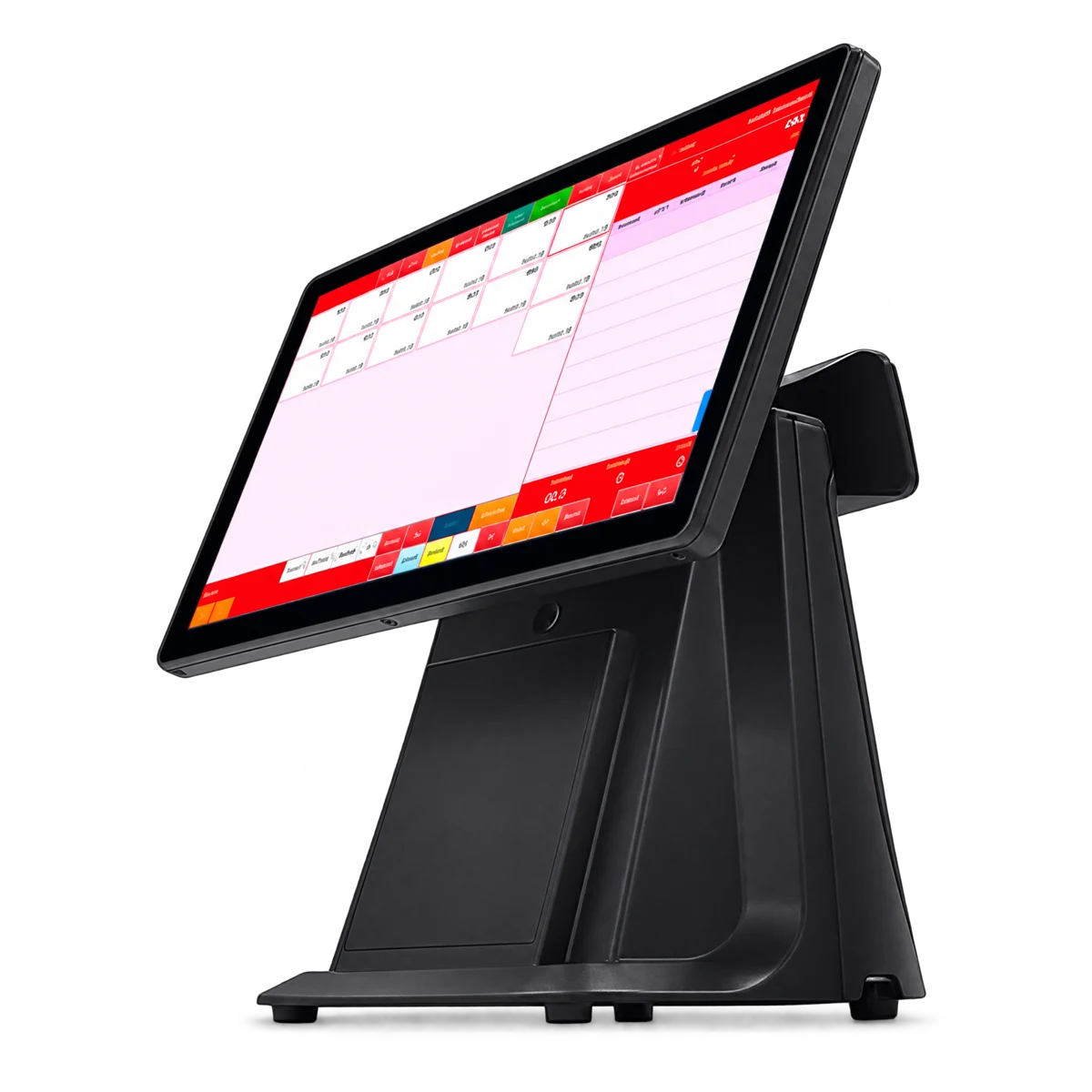 POS Fixe 15.6"$350 USD
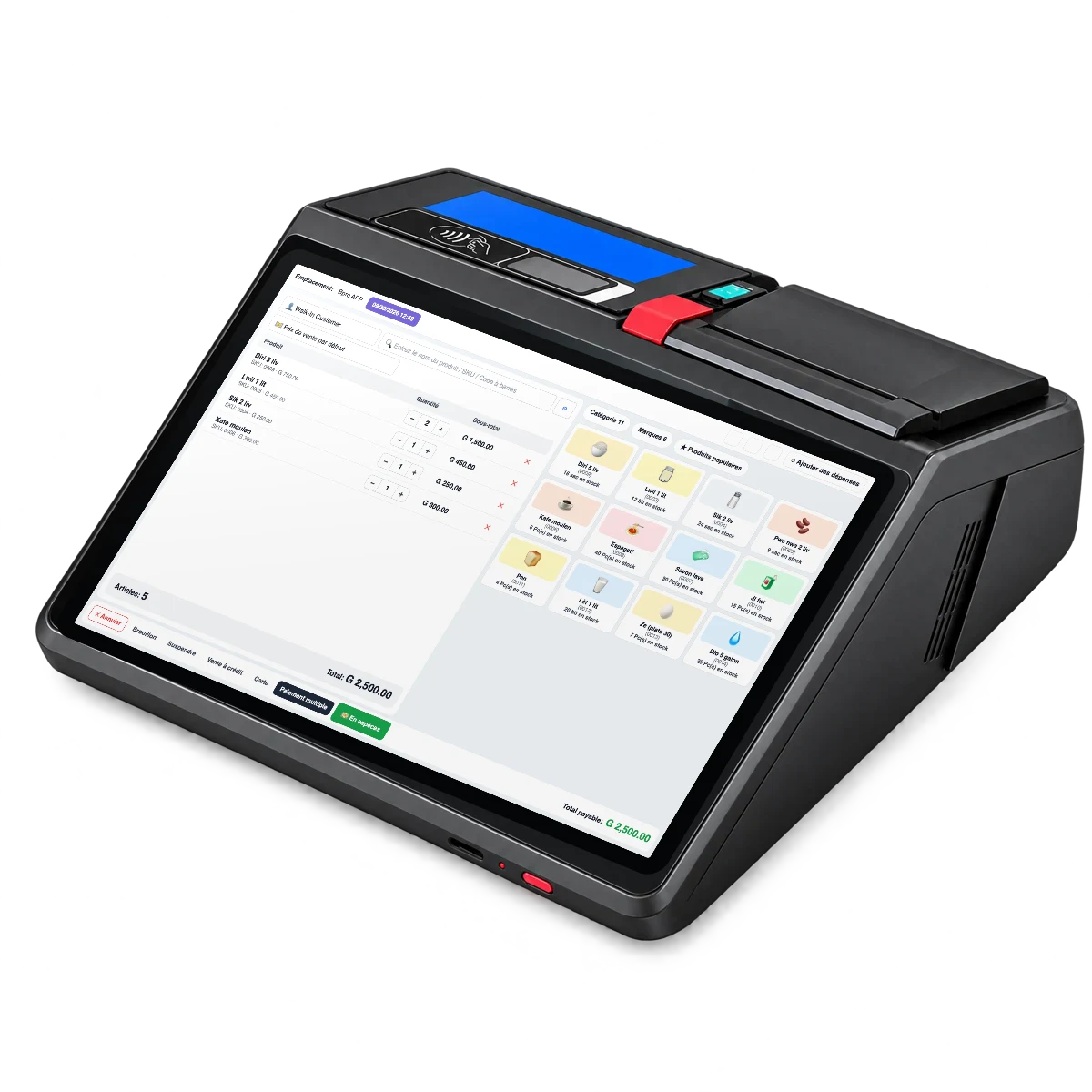 POS Tablet 11"$450 USD
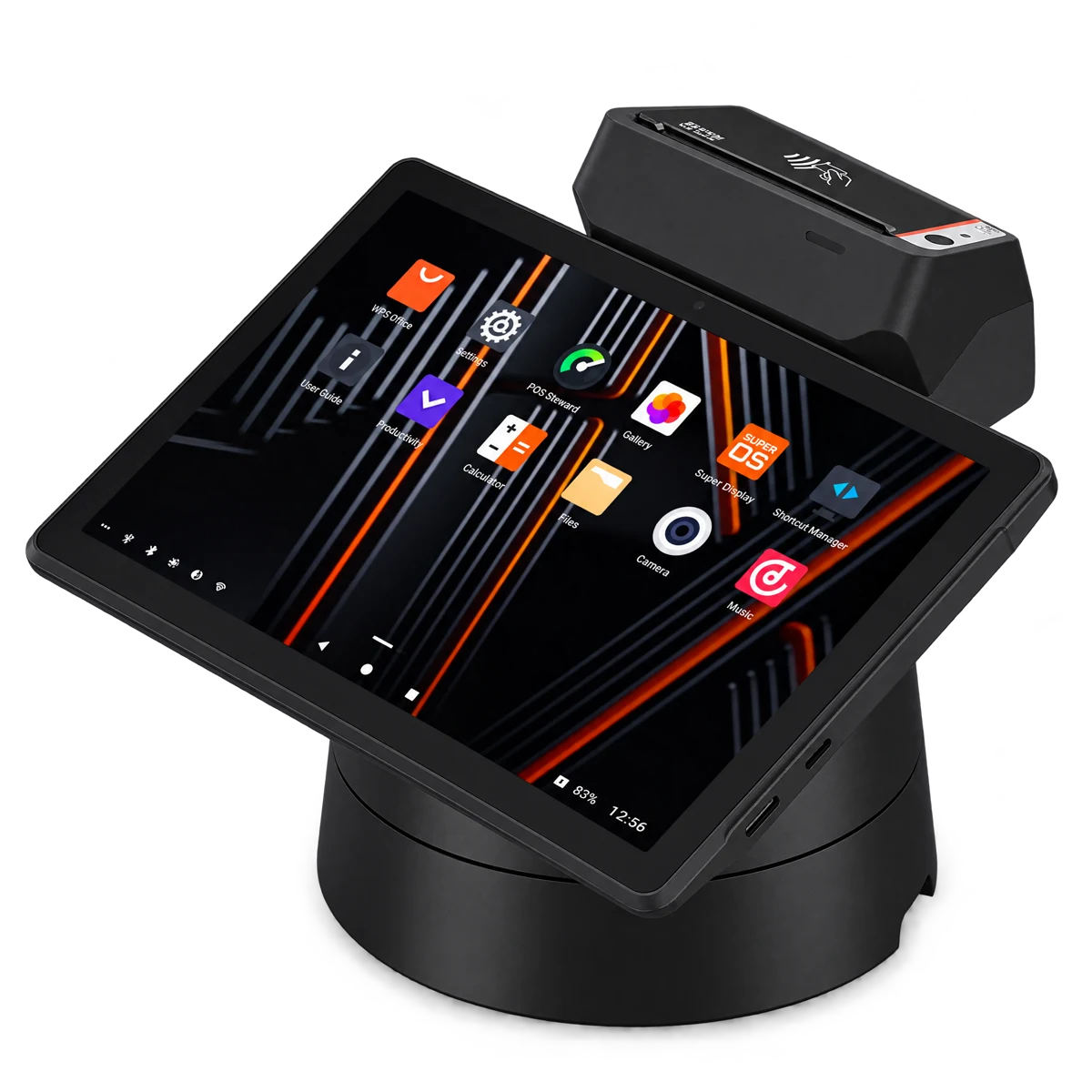 Restaurant$500 USD
The final price depends on your business, the number of users, locations and modules. Hardware is paid once. Order a kit →
Yes. A USB scanner works like a keyboard, so there is usually nothing to install. Click in the search box and scan.
Most cash drawers plug into the receipt printer or into a terminal with a drawer port, like the POS Fixe or the Tablet 11", and open when the receipt prints. If yours doesn't, check the cable and the printer settings, or write to us on WhatsApp.
When the cashier closes the register, BPRO compares the counted cash with the expected cash. The gap appears in the register report, with the cashier's name.
Yes. Each cashier has their own account and opens their own register. Everything comes together in the same reports.
Yes. MonCash and NatCash are payment methods in BPRO, along with cash, card, cheque and bank transfer.
The software costs 15,000 HTG a year (START), 50,000 HTG (BUSINESS), 250,000 HTG (CORPORATE) or 25,000 HTG (EDUCATION). POS machines are optional and paid once, from $250 to $500. The final price depends on your users, locations and modules.
Choose your apps, create your business account and start selling today.
Want to see it first? See the demo →